The Business Security Camera Blind-Spot Audit: 8 Areas Companies Commonly Miss
Share this article:
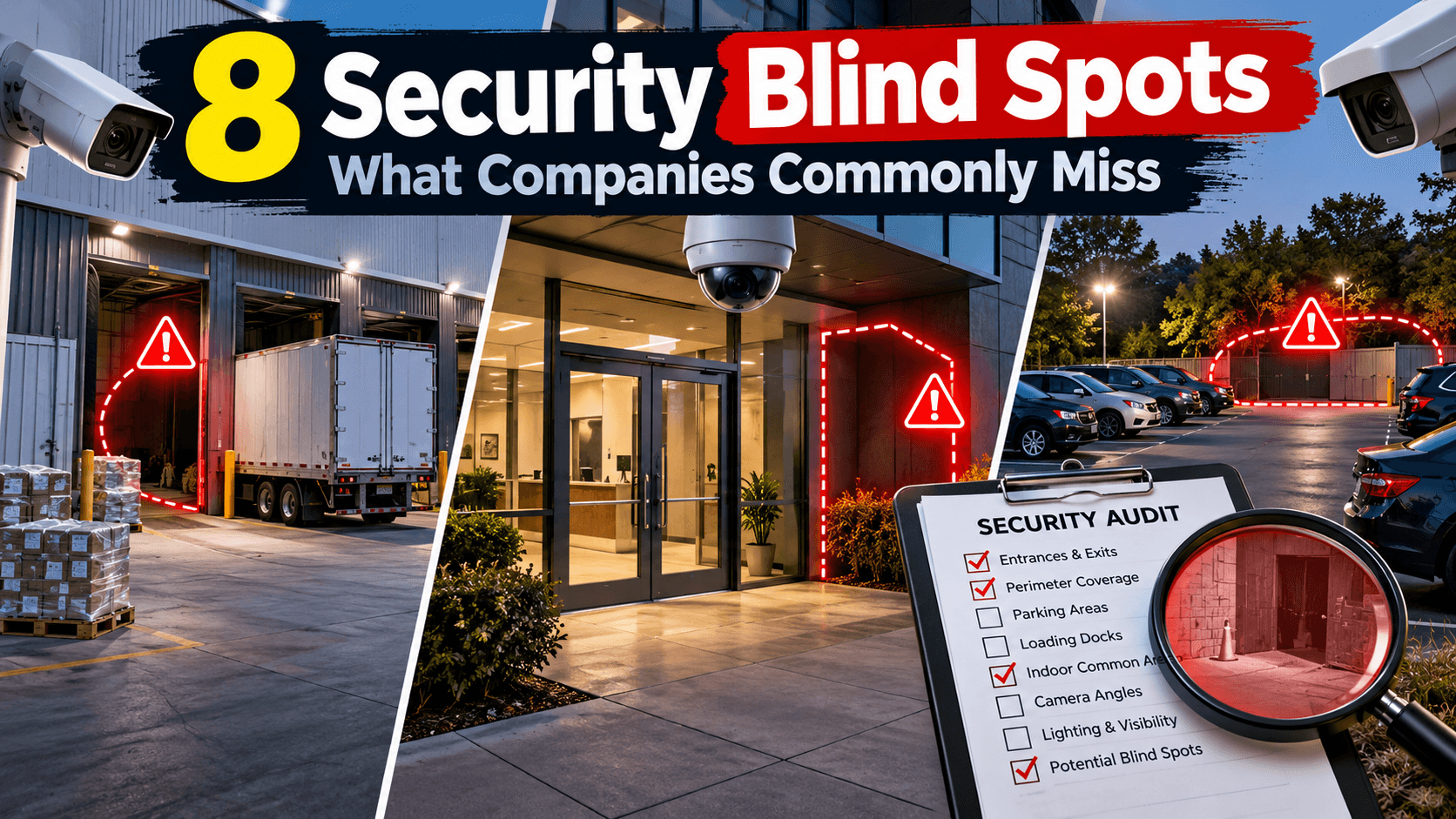
Most commercial camera problems are not "too few cameras." They are blind spots—zones your team assumes are covered until an incident review shows a dock corner, a stair landing, or an after-hours exit path with no usable view.
30 sec. overview
- A security camera blind-spot audit is a structured site walk that compares where you need usable video against what your cameras actually capture—day and night.
- Run it as an operations exercise, not a sales tour: bring a coverage map, shift schedule, and incident history.
- Mark where you need identification-quality video, where overview is enough, and where lighting, mounting, or network constraints make a camera useless even if it is "on."
- The eight most-missed areas: loading docks, parking approach lanes, fence lines, stairwells, IDF/MDF rooms, high-value rooms, after-hours paths, and zones that changed since install.
- Turn findings into a prioritized fix plan—reposition, re-lens, add, light, or accept—with an owner and a date for every high-risk gap.
This guide is for Facilities, Operations, and Security leads at warehouses, campuses, and multi-tenant commercial sites across Southern California who are evaluating business security camera installation or refreshing an aging plant—not for DIY tip lists. If you are still sizing the system, start with how many security cameras your business actually needs.
Why Blind Spots Survive "Complete" Camera Lists
A camera schedule can look complete on paper and still fail in practice:
- Views were designed for construction punch, not current workflows
- Fixtures moved, racking grew, or dock doors changed after install
- Night lighting was never verified for identification-quality footage
- Cameras face the right area but at the wrong height, angle, or focal length
- Recording exists, but remote search and retention make evidence hard to use
Blind spots are a coverage and operations problem. Fixing them usually means a mix of repositioning, adding views, improving lighting coordination, and tying cameras into a clearer security system installation workflow—not buying random extra units.
In Southern California, that audit often spans Inland Empire logistics buildings near Ontario, Orange County light industrial parks, Greater Los Angeles multi-site portfolios, and San Diego campuses with mixed office and yard space. The geography changes; the missed zones look familiar.
How to Run a Practical Blind-Spot Audit
Treat the audit like a facility walk with a checklist:
- Define use cases — deterrence, investigation, shipping claims, safety, after-hours response
- Map critical paths — people, vehicles, packages, and high-value rooms
- Walk day and night — lighting and glare change everything
- Check remote usability — can a manager find the clip in minutes?
- Score each zone — covered / partial / blind / unreliable at night
- Prioritize by risk and cost to fix — not by who complained last
Bring floor plans if you have them. If you do not, sketch dock rows, parking loops, and interior corridors. Annotate camera IDs where known. Photograph the view from each camera's approximate location so the design conversation is about evidence quality, not brochure angles—the same standard you should expect from a site survey behind a commercial camera quote.
The 8 Areas Companies Commonly Miss
1) Loading docks and door thresholds
Docks get cameras—but often aimed at the apron, not the threshold, trailer seal area, or side approach where product walks off. Partial coverage is common when a single wide view tries to do dock, yard, and pedestrian path at once.
Ask:
- Can you identify a person at the dock edge in typical night lighting?
- Do trailer doors create temporary blind cones?
- Are high-value dunnage or return lanes outside the primary view?
For logistics sites, dock blind spots are rarely "nice to have." They show up in shrinkage reviews and claim disputes. Teams supporting logistics facilities often need dedicated dock views plus yard overview—not one compromised angle. See the best warehouse security cameras for the Inland Empire for dock and yard hardware considerations.
2) Parking lots and vehicle approach lanes
Parking lot cameras frequently cover the lot center and miss entry/exit lanes, ADA paths near doors, and corners where vehicles stack at shift change. Height and pole placement matter more than camera count.
Check for:
- Plate-useful vs. overview-only expectations (be honest about what you need—true license plate recognition is a different design)
- Headlight glare at night
- Trees, banners, or new signage that grew into the field of view
- Pedestrian cut-throughs between lots and buildings
If your goal is incident investigation after vehicle break-ins or after-hours trespass, overview-only cameras on the far side of the lot will keep disappointing you.
3) Fence lines and perimeter corners
Perimeter cameras are often mounted for aesthetics or power convenience, not for continuous fence-line context. Corners, gate pockets, and landscaping create classic gaps.
Audit questions:
- Do you see along the fence, or only a spot facing outward?
- Are vehicle gates covered on both the approach and inside-yard sides?
- Has vegetation changed since install?
Fence-line gaps are expensive after an incident because the story becomes "we thought the yard was covered."
4) Stairwells, landings, and elevator lobbies
Interior vertical paths are chronically under-covered. A hallway camera does not equal a stairwell camera. Landings hide confrontations, property movement, and after-hours travel between floors.
Look for:
- Top and bottom of stairs (not only mid-flight if that is all you have)
- Elevator lobbies where bags and equipment pause
- Fire stair doors used as informal shortcuts
These zones matter for safety investigations as much as theft—especially in multi-floor office buildings and mixed-use campuses.
5) IDF/MDF and IT equipment rooms
Telecom and server rooms are high-impact, low-foot-traffic spaces. Many sites lock the door and assume that is enough. A camera at the corridor may never show who entered, what was removed, or how long someone stayed.
For commercial buyers, a simple room view with clear entry coverage is often enough—paired with access control events when you have controlled entry. Coordinate with your MDF/IDF closet standards so mounting and cable paths do not fight future structured cabling work.
6) Cash offices, secure storage, and high-value rooms
If your site has a cash office, pharmacy cage, tool crib, sample room, or secured inventory closet, confirm inside and approach coverage. A camera in the hall that loses the doorway when a cart parks in front of it is not coverage.
Prioritize:
- Door approach and interior work surface if policy allows
- Retention aligned to investigation needs—set in your video management software, not left at defaults
- Who can view those cameras (least privilege)
Do not invent compliance claims. Match camera placement to your written internal policy and insurer expectations as you understand them—then document the design intent.
7) After-hours paths: exits, smoker courtyards, and "known shortcuts"
Daytime coverage maps often ignore how the building is actually used at 11 p.m. Employees and vendors invent shortcuts. Exterior doors propped for airflow become informal exits. Courtyards and side gates become the real perimeter.
Walk the site on a late shift when possible. Ask supervisors:
- Which doors are propped?
- Where do people wait for rides?
- Which cameras do guards actually use at night?
After-hours blind spots are where "we have cameras everywhere" stories fall apart.
8) Temporary and changing zones: racking, construction, seasonal peaks
Warehouses add racking. Offices add partitions. Trailer yards reconfigure. A camera that was perfect last year can stare at the back of a new rack today.
Build a change trigger into operations:
- New racking or mezzanine → re-audit affected aisles
- Dock reassignment → re-check thresholds
- Lighting retrofit → night verification
- Tenant improvement → temporary blind-spot plan during construction (mobile trailer cameras can bridge the gap)
Coverage is not a one-time punch list. Pair re-audits with preventative maintenance visits so views are checked whenever the building changes. Want a second set of eyes now? Request a free camera blind spot audit.
Turning Audit Findings Into a Fix Plan
A useful audit output is a prioritized matrix, not a fear list:
| Zone | Risk | Current state | Fix type | Notes |
|---|---|---|---|---|
| Dock 3 threshold | High | Partial at night | Reposition + lighting note | ID quality fails after dusk |
| North fence corner | High | Blind | Add view | Gate pocket gap |
| Stair B landing | Medium | Blind | Add interior view | Incident history |
| Lot entry lane | Medium | Overview only | Lens/aim adjust | Plates not required |
Fix types usually include reposition, re-lens/aim, add camera, improve lighting coordination, or accept overview-only with documented rationale. Not every gap needs a new device on day one—but every high-risk gap needs an owner and a date.
When you refresh hardware, many commercial buyers evaluate modern cloud security cameras for remote search, user permissions, and simpler multi-site operations. The platform choice should follow the coverage plan—not replace it. If you are moving off an older system, see migrating from legacy cameras to Verkada. For the trade-offs, compare cloud cameras vs. traditional DVR/NVR systems.
Network, Power, and Closet Reality Checks
Blind-spot fixes fail when the camera plan ignores infrastructure:
- PoE budget and switch port availability in the serving IDF
- Cable pathway to new exterior poles or dock steel
- Bandwidth and retention assumptions for higher-resolution views
- Who mounts, who licenses, who trains supervisors
Coordinate early with IT and your low-voltage partner so "add three dock cameras" does not become a surprise conduit project mid-quarter—the same reasoning behind planning cameras, access, and alarms on shared pathways. Sites around Ontario and similar Inland Empire logistics corridors often combine yard poles, long copper runs, and busy cutover windows—plan the pathway and switch configuration before you order mounts.
What "Good Enough" Evidence Looks Like
Be explicit about evidence quality by zone:
- Identification — face/clothing detail useful for investigation (lighting and distance matter)
- Recognition — familiar person/vehicle under good conditions
- Detection/overview — activity and direction of travel
Trying to force identification everywhere wastes budget. Trying to investigate with overview-only where you needed identification wastes the incident. Write the standard into the design notes. Future you will thank present you.
Common Audit Mistakes to Avoid
- Counting cameras instead of verifying views
- Auditing only in daylight
- Ignoring retention and search workflow
- Adding devices without labeling and as-built updates
- Assuming access control or alarms "cover" a visual gap
- Letting a single wide camera own too many jobs
A disciplined blind-spot audit reduces surprise more than it increases camera spend. For mounting height and angle fundamentals, see our security camera placement guide; when the audit points to a broader refresh, use the commercial security system upgrade checklist to decide what to repair, replace, or modernize.
Frequently Asked Questions
How often should a business run a security camera blind-spot audit?
At least annually for stable sites, and after any material change: new racking, dock reassignment, lighting retrofit, tenant improvement, or a cluster of incidents in one zone. High-turnover logistics sites often benefit from a shorter cadence on docks and yards.
Do we need a new camera for every blind spot?
No. Many gaps are aim, mounting height, focal length, or lighting problems. Add cameras when a single view cannot honestly serve two high-risk jobs—for example, dock threshold identification and full yard overview.
Should parking lot cameras capture license plates?
Only if that is a stated requirement. Plate-capable design affects placement, lighting, and expectations. Many commercial sites need reliable overview and person/vehicle context more than plate reads at every entrance.
How do cloud cameras change a blind-spot audit?
Cloud-managed systems can make remote verification and multi-site comparison easier, but they do not invent coverage. You still need correct placement, power, network path, and night performance. Evaluate platform features after the zone map is honest.
What should we hand a security contractor after the audit?
A marked map, prioritized zone list, day/night notes, retention expectations, and constraints (aesthetic rules, landlord limits, IT standards). Clear inputs produce clearer proposals for business security camera installation work—and make it easier to check what a commercial security camera quote should include.
Can we phase fixes across quarters?
Yes—and you usually should. Close high-risk docks, perimeter corners, and high-value rooms first. Schedule lower-risk interior gaps with the next tenant improvement or network refresh so pathway work is not duplicated.
Next Step: Facility Security Modernization Review
If your team needs a structured walkthrough of camera coverage, blind spots, and how video ties into broader facility security, request a Facility Security Modernization Review. Call 1-800-276-0415 or contact End-Point Wireless to discuss commercial camera coverage priorities for your Southern California site. More guidance lives on the End-Point Wireless blog.
Not sure where your blind spots are?
Ask about a Facility Security Modernization Review, or get a quote for business security camera installation across Southern California