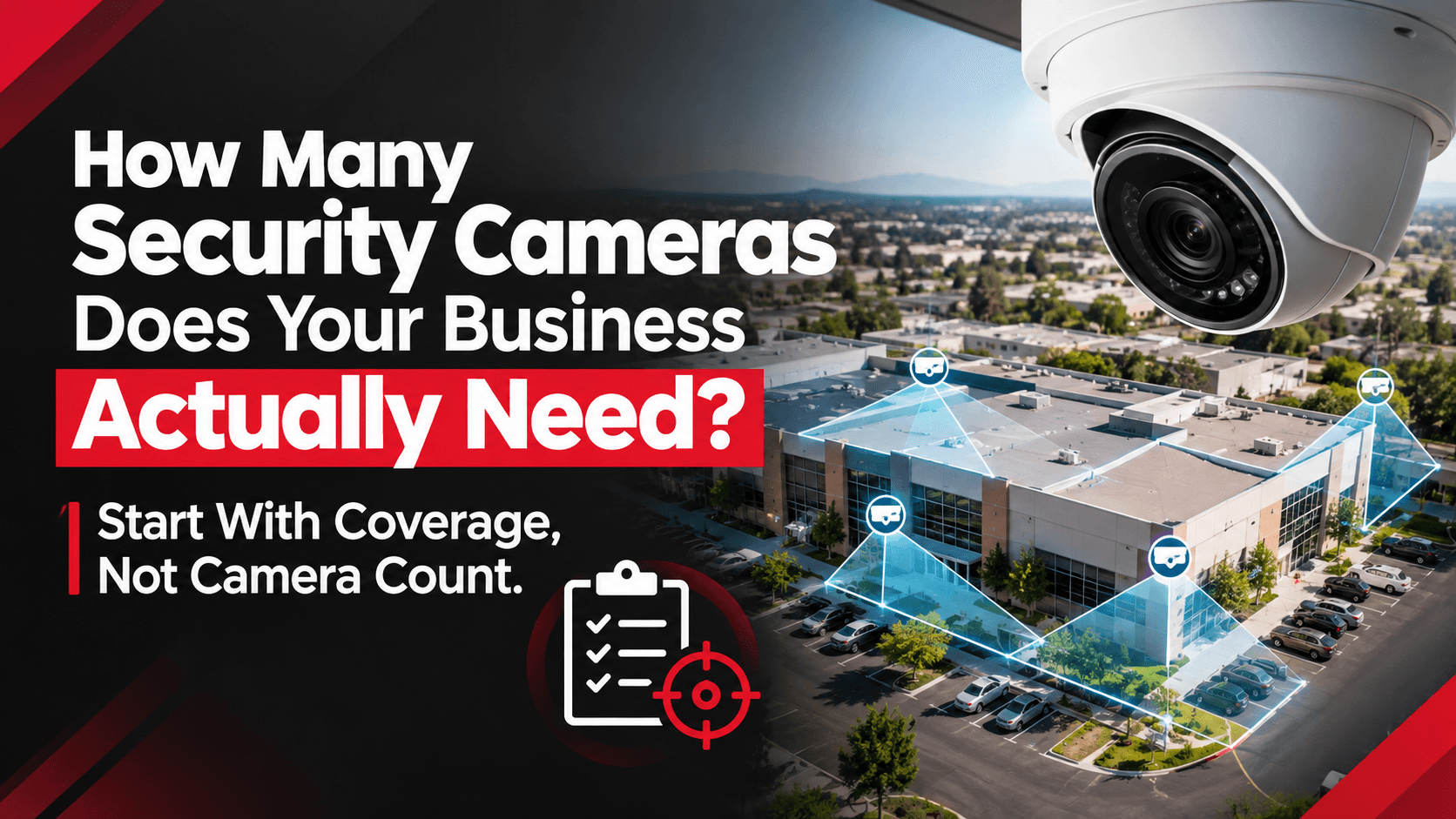
How Many Security Cameras Does Your Business Actually Need? Start With Coverage, Not Camera Count
Share this article:
30 sec. overview
There is no universal “X cameras per square foot” rule for warehouses, plants, or multi-building campuses. The right number for business security camera installation comes from coverage goals—what you must see, at what quality, under what lighting, and for which investigations. Map risk zones first, define detect / recognize / identify distances, then size cameras, pathway, and PoE to that plan.
If you manage docks, yards, production floors, or shared campuses across the Inland Empire, Orange County, Los Angeles, or San Diego, you already know why count-first RFPs fail: too many overlapping aisle views and still-blind stairs, or a cheap “full coverage” bid that cannot identify a person at the gate after dark.
This guide is a coverage-first planning framework for Facilities, Security, and Operations leaders. It is not a consumer doorbell checklist, and it does not invent ROI percentages, case-study results, or partner certifications. Use it before you buy cameras—or before you approve a quote that leads with device count instead of outcomes.
Why Camera Count Is the Wrong Starting Question
Buyers ask “how many cameras?” because budgets and bids are priced that way. Installers answer with a number because that is how line items work. The operational question is different:
- Can we identify a person at the employee entrance at night?
- Can we read a plate or at least classify a vehicle at the gate?
- Can we reconstruct a dock claim with usable faces and pallet motion—not a distant blob?
- Can IT support the bitrate and retention without starving WMS or VoIP?
A facility can “have cameras everywhere” and still fail those tests. Another facility can run fewer, better-placed views and produce usable evidence. Coverage quality beats camera quantity. For placement principles that support identify goals, see the security camera placement guide.
Across Southern California logistics and manufacturing sites, the common pattern is phased adds over years: a few cameras for a theft event, then a parking add, then a dock retrofit—without a single coverage map. The result is uneven density and persistent blind spots. A disciplined security system installation plan resets the map to how the building runs today.
Buyer control: Put coverage acceptance criteria in the SOW. Tie final acceptance to sample playback tests—not only to “N cameras installed and online.”
Start With Zones, Not Floor Area Formulas
Square-footage rules of thumb collapse under real geometry: high-bay racking, deep yards, mezzanines, and after-hours doors. Build a zone list instead. Pair this with a structured commercial camera site survey so the zone map becomes part of the quote—not an afterthought.
Typical commercial zones to score
| Zone type | What “good” usually means | Common failure |
|---|---|---|
| Perimeter / fence | Continuous approach views; usable night image | Dark corners; glare from yard lights |
| Gates / vehicle entries | Identify or plate-class view + direction of travel | Wrong angle; headlights wash out |
| Docks / shipping | Face + pallet motion; trailer ID where needed | Mounted too high; backlight from open doors |
| Employee / visitor entries | Identify faces at controlled doors | Fisheye “coverage” with no identify quality |
| High-value / cash / cage | Identify + door adjacency | Camera aimed at aisle, not transaction |
| Parking / pedestrian cuts | Path continuity to building | Lot cameras that miss walk-up routes |
| Stairs / elevators / mezz | Vertical travel coverage | Interior floors dense; vertical paths empty |
| High-bay aisles | Detect + enough detail for incident type | One aisle-end camera trying to do everything |
| Yards / trailer storage | Movement and directional context | Deep depth beyond optic capability |
Score each zone Covered / Partial / Blind against a written outcome (e.g., “identify at employee door after dark”). Only then estimate devices. Warehouse teams in the Inland Empire can also cross-check zone priorities against warehouse camera planning for IE facilities.
Define Detect, Recognize, and Identify Before You Pick Cameras
Camera count debates hide a quality debate. Align language with Security and Legal before design:
- Detect: Something moved or is present in the scene.
- Recognize: You can tell the type of object/person and rough attributes.
- Identify: You can support investigation needs (face, badge area, plate class, or load detail—as your policy requires).
A “covered” dock that only detects motion may be useless for a claim dispute. An entry that only recognizes a silhouette fails badge-vs-face correlation. Write the required level per zone. That decision drives lens, mounting height, lighting, bitrate—and therefore how many cameras you actually need.
Practical rule: Do not buy more cameras to fix an identify-distance problem that is really a mounting-height, optic, or lighting problem. Fix geometry first; add devices only where Partial/Blind remains after re-aim options are exhausted.
What Actually Drives How Many Cameras You Need
Once zones and quality levels are set, these factors move the count up or down.
1. Field of view vs. identify distance
Wide views cover area; they do not automatically deliver identify quality at the far edge. Deep yards and long docks often need layered views (overview + detail) rather than one ultra-wide camera pretending to do both.
2. Lighting and night performance
LED retrofits, dock door backlight, and sodium-to-LED yard changes alter contrast. Night identify at gates and employee doors often requires dedicated placement—not hoping a daytime overview camera “also works” at 2 a.m.
3. Obstructions and operations
Racking, staged pallets, trailers, and seasonal layout changes create moving blinds. Manufacturing lines and logistics docks change more than office floors—design for the busy state, not the empty walkthrough.
4. Retention and investigation workflow
If Legal needs searchable footage for specific incident types, your design must produce usable frames—not just motion triggers. Count is irrelevant if playback cannot support the case.
5. Pathway, PoE, and closet capacity
Every camera is a network and power endpoint. Dense adds without structured cabling planning create stranded devices, voltage drop, and switch oversubscription. Pathway readiness often caps realistic count more than the camera budget does. Design cameras, doors, and alarms together on shared pathways—see shared pathways for cameras, access, and alarms.
6. Access control adjacency
Doors that matter for after-hours entry should be planned for video + door history together. Badge logs without a face—or video without a door event—slow every investigation. Pair camera plans with access control installation where those doors are in scope, using the door-by-door access control checklist.
A Coverage-First Planning Sequence (Use This Before Any Bid)
Step 1 — Stakeholder intake (Security, Facilities, Ops, IT)
Capture:
- Top incident types you investigate today
- Doors and gates that matter after hours
- Claim/dispute locations (docks, yards, parking)
- Network constraints (WAN, VLANs, PoE headroom)
- Lighting projects planned or recently completed
Step 2 — Walk the facility in operating condition
Walk docks during shipping peaks, yards at night, and employee entries at shift change. Empty Sunday walkthroughs hide the real blinds.
Step 3 — Build the zone scorecard
For each zone: risk, required quality level, current score, lighting notes, pathway notes, proposed fix type (re-aim / optic / new view / pathway first).
Step 4 — Draft a coverage map, then a device list
Device list is an output of the map. Challenge any quote that starts with SKUs and reverse-engineers coverage. Use the seven things a commercial camera quote should include and watch for quote red flags that turn into change orders.
Step 5 — Define acceptance tests
Examples:
- Identify at Door A after dark from Camera X
- Dock bay N: face + pallet motion usable in playback
- Gate: vehicle class and direction clear at night
Accept the system against those tests, not against a packing list.
Step 6 — Phase if needed—without orphaning the map
Budget may force phases. Keep one master coverage map so Phase 2 fills Blind/Partial zones instead of adding random density elsewhere. When deciding repair vs. replace vs. modernize, use the commercial security system upgrade checklist.
How Many Cameras? Worked Planning Patterns (Not Prescriptions)
These are illustrative planning patterns, not promises of device counts for your site. Real counts depend on geometry, risk, and quality targets.
Pattern A — Small commercial office / light industrial suite
Often driven by entries, parking, and a small rear service door—not by covering every interior cube. Interior density may stay low if after-hours risk is door-centric. Count rises when shared corridors, elevators, or high-value rooms need identify quality.
Pattern B — Warehouse / DC with docks and yard
Typically needs layered perimeter + gate detail + dock faces + selected high-bay / high-value interiors. Aisle-end cameras alone rarely replace dock identify views. Yard depth often forces more perimeter devices than interior office buyers expect.
Pattern C — Manufacturing floor
Line-of-sight blocked by equipment; mezzanines and material staging change seasonally. Count tracks process risk points and egress paths more than raw square footage. Coordinate with manufacturing operations so mounts survive vibration, washdown, or forklift corridors.
Pattern D — Multi-building campus
Per-building entries plus shared roads/parking often matter more than uniform interior density in every suite. Central monitoring expectations drive consistent naming, retention, and network design—not identical camera counts per building. Multi-site teams should also read single-site vs. multi-site centralized visibility.
Buyer takeaway: If two bids differ by 30% on camera count with no shared coverage map, you are not comparing the same job.
Questions to Put on Every Business Security Camera Installation RFP
- Provide a coverage map with zone outcomes (detect / recognize / identify)—not only a device schedule.
- Show night sample expectations for gates and employee doors.
- List pathway and PoE assumptions (closet IDs, switch headroom, cable category).
- Define acceptance playback tests before substantial completion.
- Explain how access doors in scope will be correlated with video.
- Separate re-aim / optic fixes from new-camera line items where existing devices can be salvaged.
- Call out phasing against a single master map if budget is split.
Reject vague “full coverage” language with no zone definitions.
SoCal Reality Check: Why Count-First Bids Struggle Here
Southern California commercial sites—Ontario and Fontana DCs, OC multi-tenant industrial, LA campuses, and SD light manufacturing—share patterns that break square-foot formulas:
- Long docks and deep yards that outrun old camera cones
- High-bay LED retrofits that change night contrast
- Carrier and contractor traffic on side doors never redesigned for video
- Phased camera adds with no single coverage owner
- TI churn that moves high-value areas without moving cameras
A coverage-first plan matches how the site operates across shifts—not how the first NVR was sold years ago. For cost context after the map is clear, see commercial security camera system cost in California (2026).
Frequently Asked Questions
How many security cameras does a business need per square foot?
There is no reliable universal ratio. Need is driven by risk zones, identify distance, lighting, and investigation goals. Two buildings with the same square footage can require very different counts if one has deep yards and docks and the other is a simple suite with two controlled doors.
Should we buy cameras first and plan coverage later?
No. Plan coverage first. Buying first locks you into optics and mounts that may not meet identify goals. Audit existing views, score Partial/Blind zones, then purchase only where the map requires new devices.
Can we reduce camera count with wider lenses or fisheyes?
Sometimes for detect coverage—rarely as a substitute for identify at doors and docks. Ultra-wide views often trade edge quality for area. Use overview + detail layering when investigations need faces or load detail.
Do we need a new camera every time we find a blind spot?
Not always. Many gaps are re-aim, height, optic, or lighting problems. Add cameras when Partial/Blind remains after those fixes—and when pathway/PoE can support them. For a zone-by-zone walkthrough, use the business security camera blind-spot audit.
How does access control affect camera count?
Doors that matter for after-hours entry often need a dedicated identify view correlated with door history. That can add cameras—or reposition existing ones—near controlled entries. Plan video and access together when those doors are in scope.
What should be in a camera installation acceptance test?
Sample playback tests tied to written zone outcomes: night identify at named doors, usable dock faces, gate vehicle context, and confirmation that retained footage is searchable for your incident types. “All cameras online” is not enough.
Who should approve the final camera count?
Security/LP (investigation quality), Facilities/Ops (operations and access), and IT (network, storage, identity). Procurement should confirm the SOW matches the coverage map—not only a SKU list.
How often should we revisit camera coverage?
At least annually, and after major layout, lighting, fence, dock, or shift-pattern changes. Also re-check after any investigation where video was “almost useful.”
Next Step: Facility Security Modernization Review
If your team is stuck arguing about camera count—or comparing bids that do not share a coverage map—reset to outcomes first.
Request a Facility Security Modernization Review with End-Point Wireless. We help Facilities, Security, and Ops turn zone scorecards into a prioritized business security camera installation plan—including when re-aim is enough and when new views, pathway, and access adjacency are required.
Call 1-800-276-0415 or contact our team to schedule a review. Related: security system installation · access control installation · structured cabling.
Planning camera coverage—not just camera count?
Ask about a Facility Security Modernization Review, or get a quote for commercial security camera installation across Southern California